Dirt and grime
 January 15th, 2016 |
  Author:
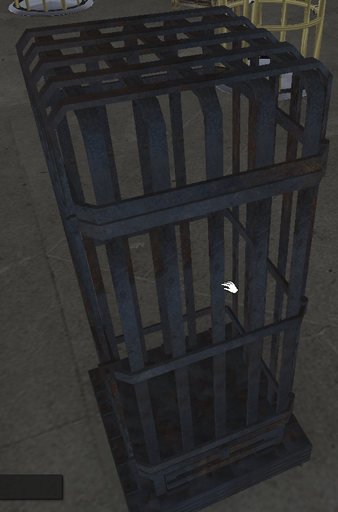
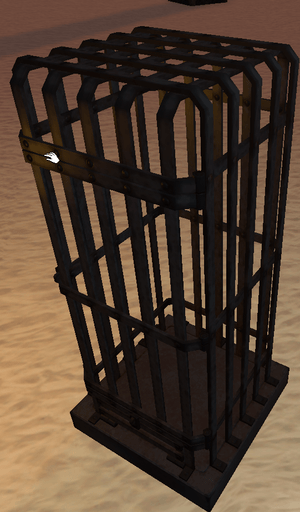
 Piecing the normal map together took me the better part of the day because I had to restart a few times. The second and 3rd shots are with some quick material tests, not bad but we aren’t there yet.

 Posted in
A new year, and new projects.
This time I’m working on something a little different from what I usually do: a cage.
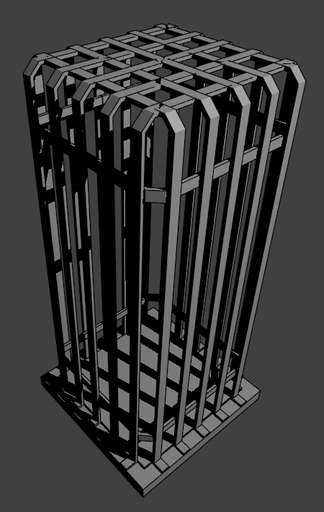
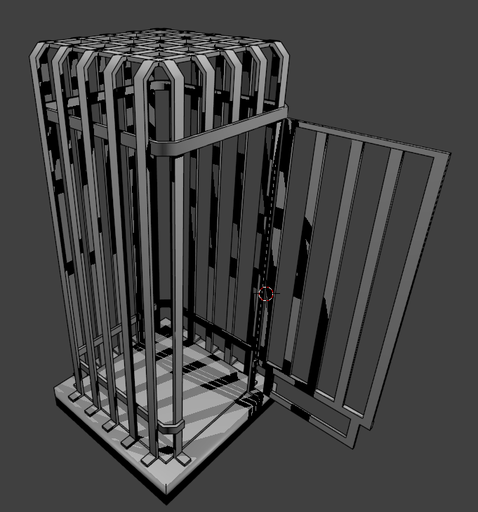
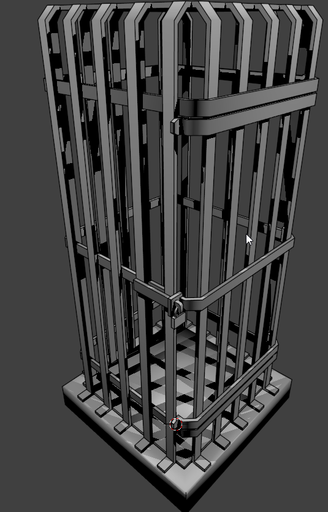
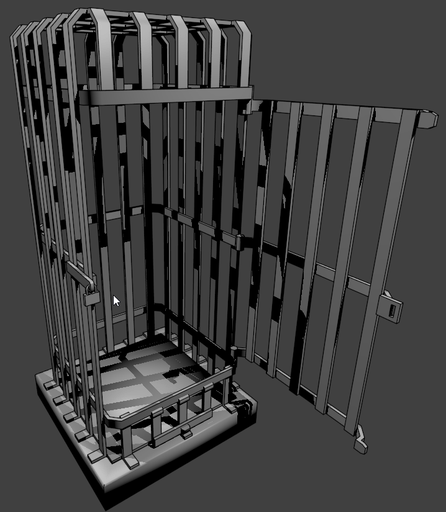
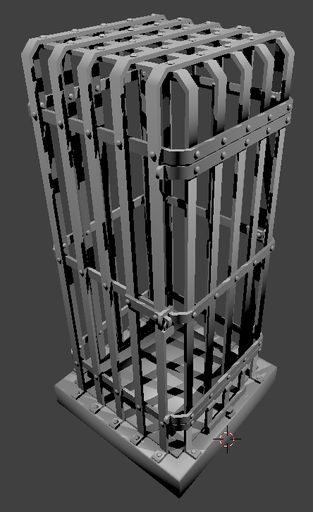

As you can see I’m making it up as i go, the first door looked awful, and so did the first version of the “food hatch” at the bottom of the door.
Pop in a few rivets and it’s already more like it (what about welding tho?).
The base could use some embellishment and I still need to slap a few chaining plates here and there for good measure.
Small vacuum system patch
I noticed a slight issue with the current IAPI vacuum system, the problem only concerns the floor dust surface and the vacuum chargers and should fix problems with the vacuum dust content “sticking” between usages. It should also display the right transparency level for the floor dust.
Merry xmas and happy new year to everyone
Wherever and whoever you are 🙂
The KDC Tasanee Collar is out!
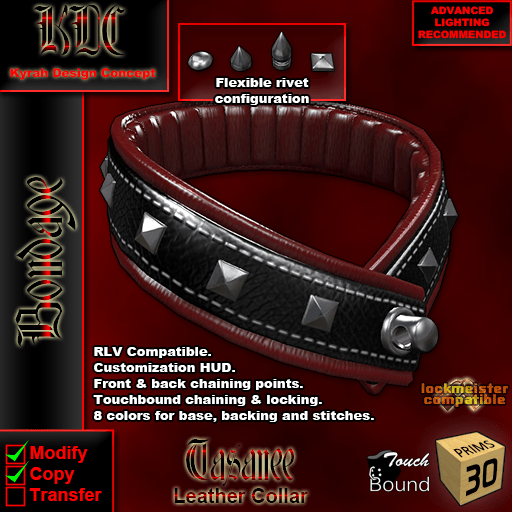
And it’s out, right in time for an emergency Xmas gift! A more elegant collar for those formal occasions, or simply to reward an especially well-behaved submissive.
If locked with one of the valentine padlocks it looks just adorable 😀
The rivets can be fully configured with the HUD and you can write your own preset patterns using the 4 different rivet types (or no rivets too).
As usual you can find it at the KDC Main Store on the SecondLife Marketplace and on PrimBay.
Almost done
And it still doesn’t have a name, feel free to make a suggestion 🙂
I had to redo all the textures (as usual) due to a lighting issue and a UVmapping error. Today I rewrote my classic “coloring HUD” code to make it independent from the main code base.
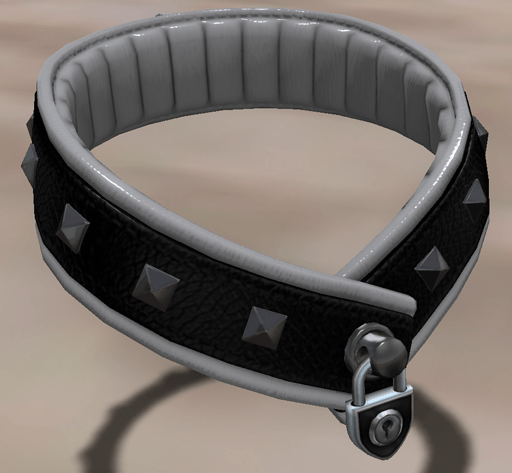
Why? Because on many items, it’s the only reason that they have custom code and their own code branch and that’s just not optimal considering that the coloring HUDs are their own independent “thing”.
Only a few more details before the collar is ready: a name, HUD graphics, and to decide how to deal with the stud variations.
- All in one with extra coloring HUD options? That’s a lot of hidden meshes…
- All in the same package? That’s a lot of items in one box…
- Sold separately? Feels a bit like nickel&diming…
Collar optimized and a first texture test.
No spikes, studs or frills yet, (although I am not sure that I will end up doing those frills. ), but otherwise, the bulk of the model is done. I also did a little texture test, and there might be a little resolution issue going on. I see a few rendering glitches here and there, but nothing that cannot be fixed.

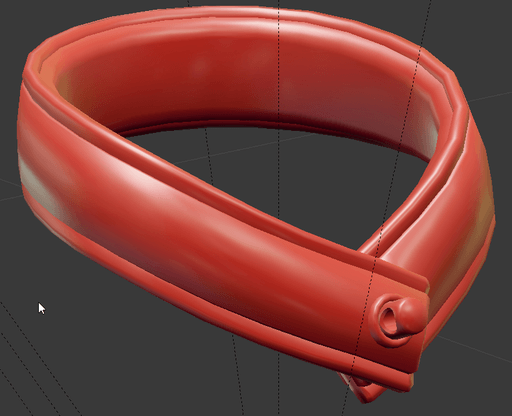
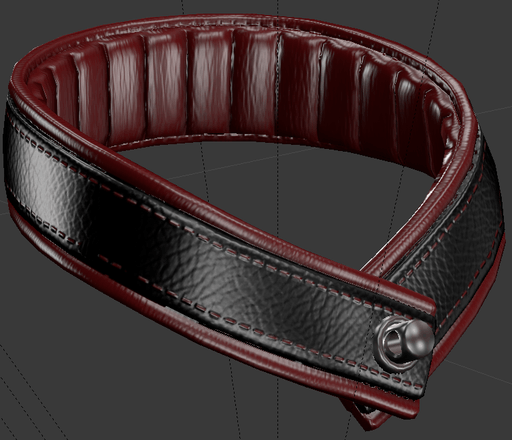
Am I getting carried away?
Maybe just a little bit… I never had the opportunity to use spikes on anything. I’m not sure about the ruffled version however, I don’t like how it is attached on the inside.
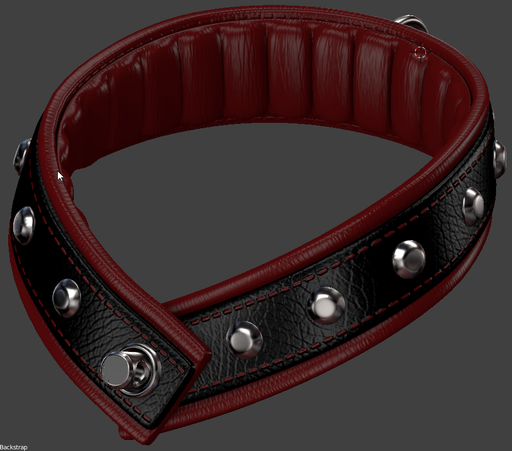
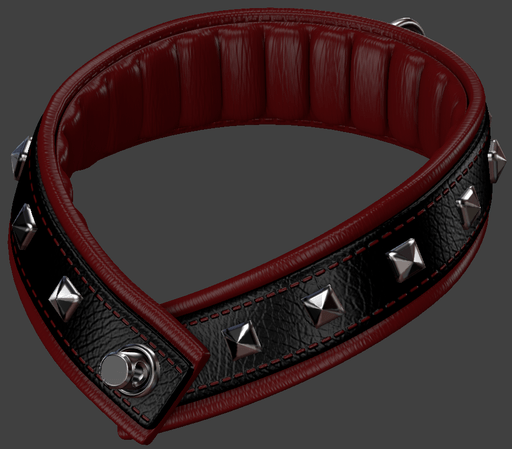
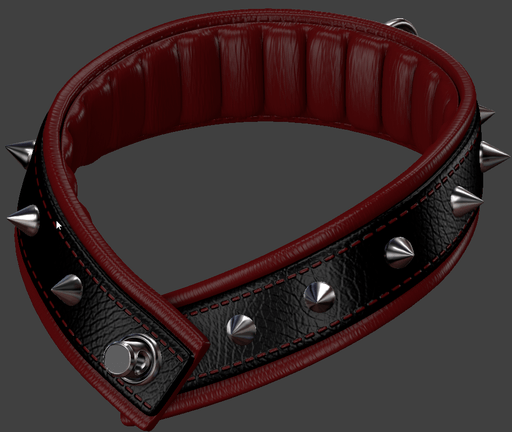

Attempt #2, much improved collar shape.

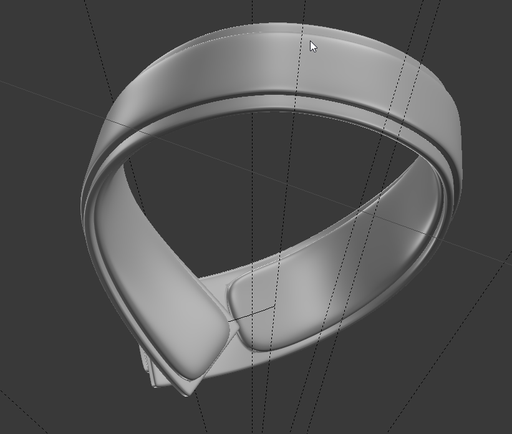
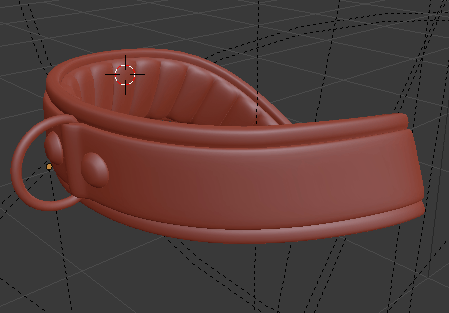
All right, so for the list of changes… the back leather pieces is a lot narrower, I’ve removed the rounded corner which looked dumb and moved the small strap edge almost edge to edge of the back piece. I also changed the angle where the two pieces meet because 90° was just too extreme and unnatural. Then there is the back ring stuff.
Pro tip, the Blender bolt generator plugin makes some nice rivet heads with a flattened top… aaand it’s pretty quick.
I got some good feedback on the pillowed aspect of the inside so I’m keeping it for now.
Night update
I released a fix/usability patch for all the TB compatible collars:
- FIXED: Animations improperly cleared on detach.
- ADDED: Added low neck freeze animation to the collars that where subject to animation related clipping.
- ADDED: Deleting the animation BACKGROUND_LOOP will disable the neck freeze without causing errors.
 Creator of BDSM and fetish content in Second Life since 2004.